





A pop-up message informs me that U Webinar may have problems showing animations, playing embedded video/audio clips or launching URL in my PowerPoint. What can I do?
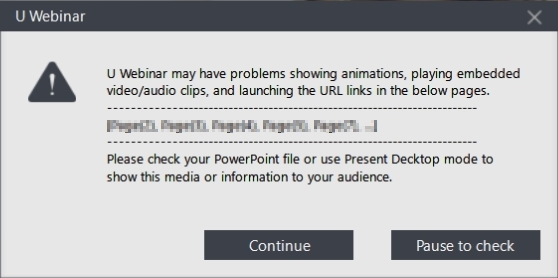
When you see this message, it means there might be some warnings/dialogs you need to close in PowerPoint.
As a quick workaround during a live webinar, follow these steps:
- Switch to Present Desktop

- Launch the slide file and present it via Present Desktop
To correct this situation, you can:
- Launch PowerPoint and then switch to the Slide Show mode to check whether the slides work properly or not. If any warning dialogs display when presenting in PowerPoint, please select “Don’t show again” and then close it.
- Import the slide file into U Webinar from your local hard drive (not from USB or network location).


