





What can I do if a member doesn't receive the verification e-mail to join my U organization account?
If a member doesn't receive the verification e-mail to join your U organization account, please check the following:
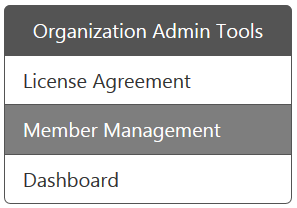
- Make sure the member's e-mail address is correct when you sent the invitation e-mail. You can visit https://u.cyberlink.com/user/profile and then browse to Organization Admin Tools > Member Management webpage to check it. If the e-mail address is incorrect, please correct is and then re-send the account verification e-mail.
- Suggest that the member checks his/her e-mail spam filter to ensure the verification e-mail was not filtered into the spam folder.
- Suggest that the member search for the keyword "CyberLink" in his/her e-mail inbox.
- Some e-mail providers may delay the sending of e-mails, depending on the server load. Please wait up to 30 minutes for the email to be delivered.
If the member still cannot find the account verification e-mail, please click here to contact the support team.


