





How to use BPM (beats per minute) to edit audio clips in AudioDirector 6?
To edit audio in the timeline by BPM (beats per minute), do this:
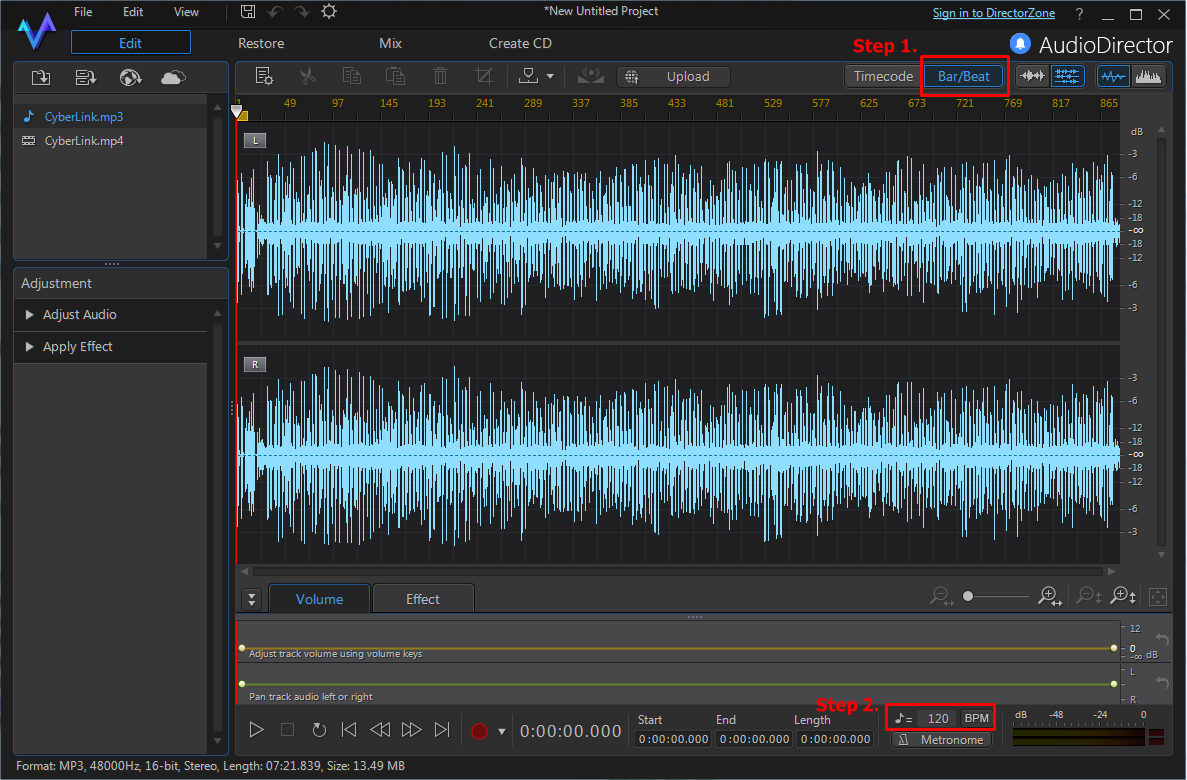
- Select the Bar/Beat button in the top right above the timeline in Edit window.
- Set the BPM value for audio clip manually if required.
Tips:
- If the tempo of the timeline does not match the audio's tempo, you can enter the correct tempo in the
 field to update the timeline.
 - If you need to manually determine the tempo on an audio clip, click the BPM button to enter the Determine Tempo window.
- For more program usability and feature related information, please visit the video tutorials page on DirectorZone.


