





How to upgrade my Essential to a full version?
To upgrade from Essential to a full version, or remove the watermark on an exported video, you need to purchase the full version or subscribe to a plan.
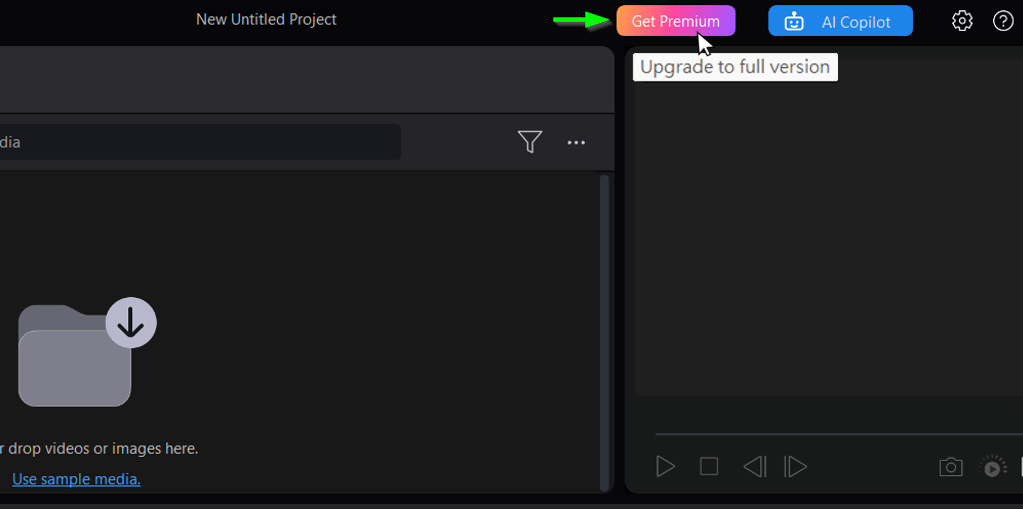
You may simply click the Get Premium button at the top of the Essential version’s UI, or visit our online store to proceed with the purchase.
If you've already completed the purchase, but it still shows as "Essential," follow the steps in our FAQ to activate the full version.
#Upgrade from Essential to Subscription, #Upgrade from Essential to Ultimate, #watermark.


