

How do I update my subscription products (eg: Director Suite 365)?
You can always have access to the latest features and updates at no additional cost during your subscription period.
When a new build/version is released, you can obtain and install the update through CyberLink Application Manager or directly in the product.
[CyberLink Application Manager]
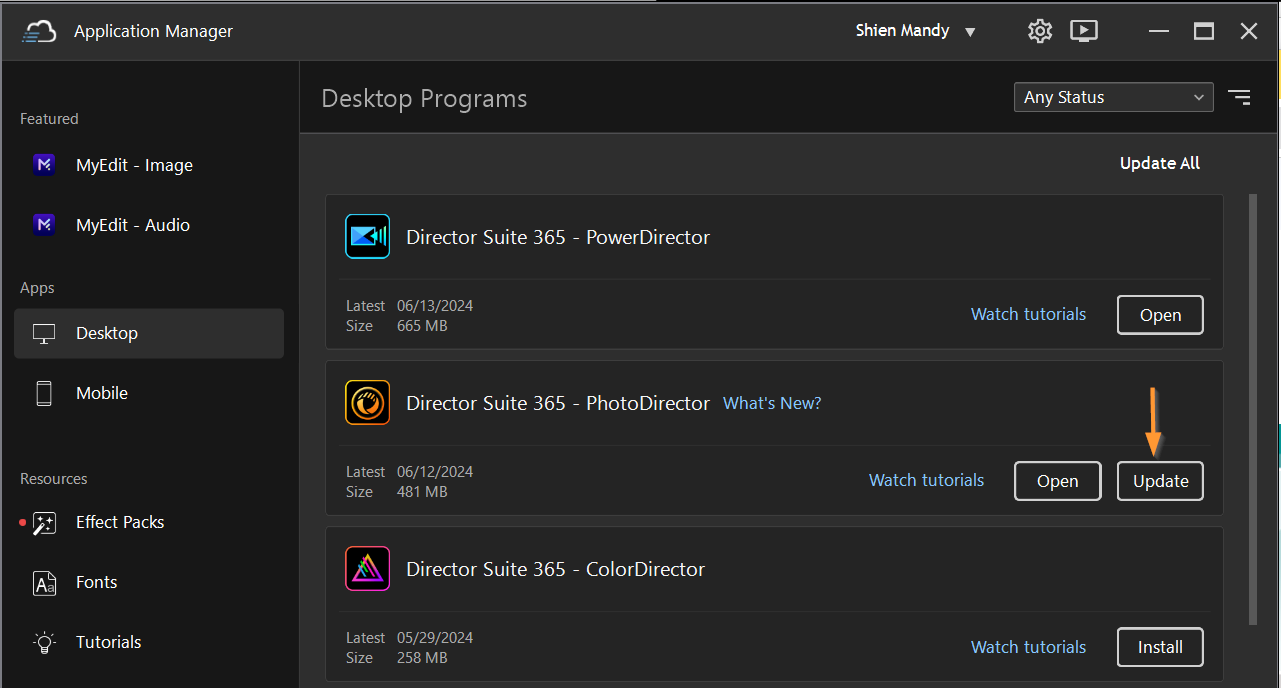
- Log in to your member account in the CyberLink Application Manager.
- Click “Update” to update your subscription product.
[In the product]
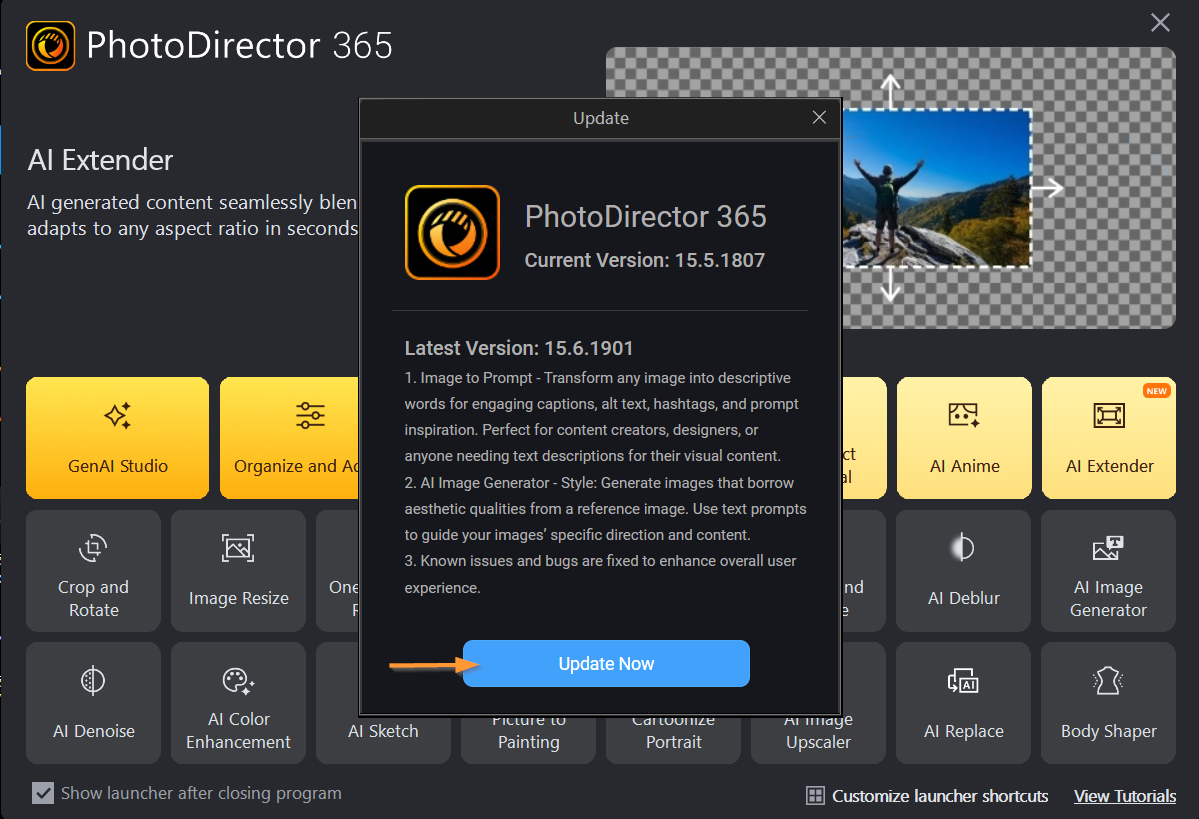
- Launch the subscription product.
- An update notification window will appear when an update is available.
- Click the “Update Now” button update your subscription product.