





How do I turn on hardware acceleration in CyberLink PowerDVD 15?
To turn on hardware acceleration in CyberLink PowerDVD 15, do this:
- Click on
 and then disable Video in Smart Enhancement.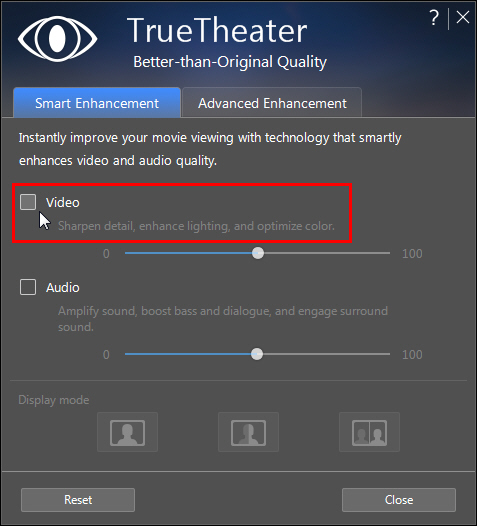
- Click on
 to open the settings window.
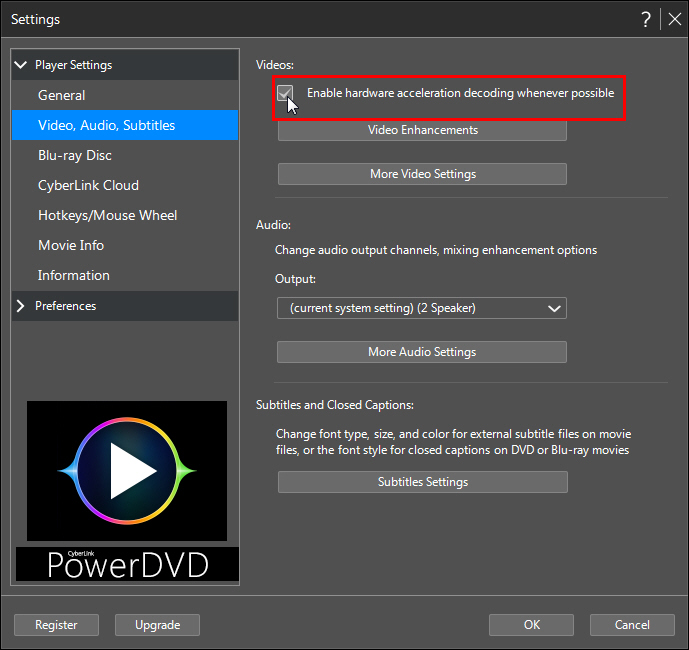
 - Click on the Video, Audio, Subtitles tab.
- In the Videos section, select the Enable hardware acceleration decoding whenever possible option.
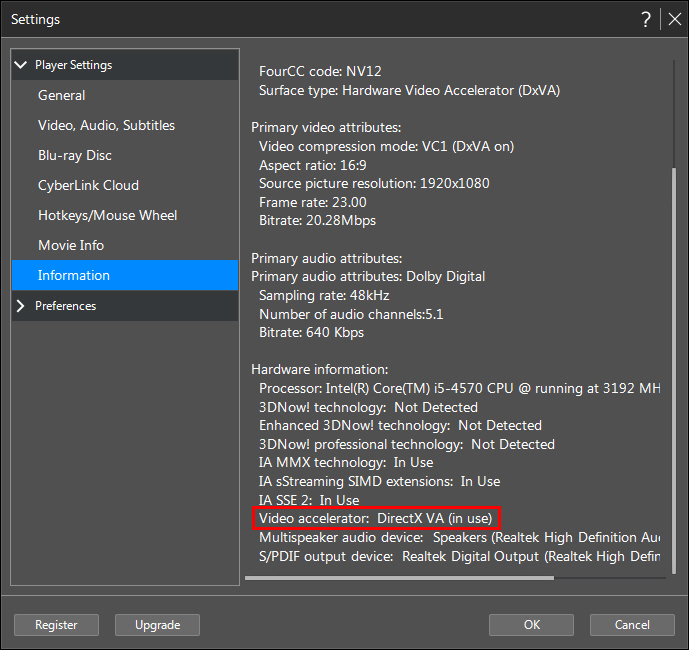
Note: you can check if hardware acceleration is enabled by going to the Information tab in the Settings window. In the Hardware Information section, find "Video accelerator". If the status reads "In Use" then hardware acceleration is enabled.
Related Articles:


