





How do I use the Talking Avatar feature to make a talking photo in CyberLink PowerDirector 365?
PowerDirector 365 (version released after Dec. 2024) supports the Talking Avatar feature for you to bring your static photos to life.
To use the feature, do this:
- Go to the Media room, and then click Talking Avatar to open the feature window.
- In the Talking Avatar window, you can import and crop1 your own portrait photo or choose from the provided sample headshots.
- Import background image if required.
- Import an audio file or type a text script2 to generate an audio file. The maximum supported length of the imported audio is 3 minutes (Minimum 5 seconds).
- Click Generate to start the generation process. The feature consumes credits per the video length3. You can generate up to 10 minutes at one time. The longer the video length to be produced, the longer the time the generation process takes.
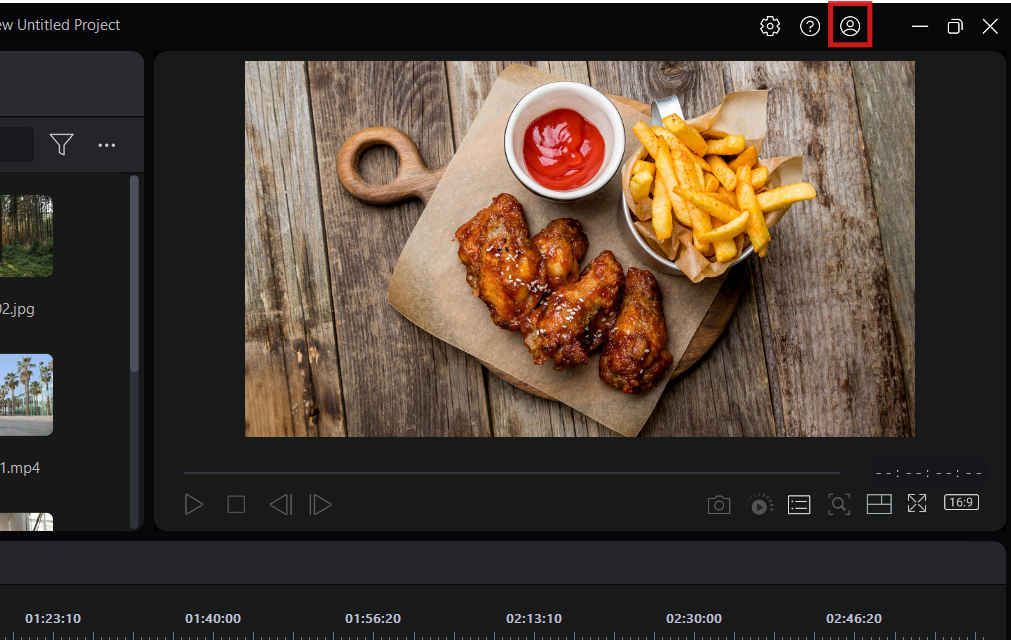
- After the generation process is complete, you can find the generated video by clicking the
 button > My GenAI Creations3 > Talking Avatar page and choose to either add it to the timeline or export it directly.
Note:
- After importing a photo, you can crop it to a supported aspect ratio. The generated video will match the selected aspect ratio.
- If you type a text script to generate audio, the longer texts will generate longer audio and the credit consumption will be increased per the length of the generated audio. And the maximum of text script is 1000 characters.
- Talking Avatar is a credit-based feature. It consumes credits for the video generation. If your current credits are insufficient, you can click the Get Credits button in the feature window to purchase additional credits.
- The generated videos will be saved in My GenAI Creations on CyberLink's server for 30 days. After 30 days, the generated videos will be deleted from server. If you want to reuse the generated videos, we suggest you export/produce them to your personal storage before they expire.
Related Articles:
- What are credits?
- What can I do with the credits on PowerDirector?
- I consumed credits for AI features, but I am not satisfied with the results.
- What can I do and not do with the works produced with PowerDirector, PhotoDirector, and Promeo? Can I use the works for commercial purposes?


