





How do I schedule a U Webinar, that requires an audience to register in advance?
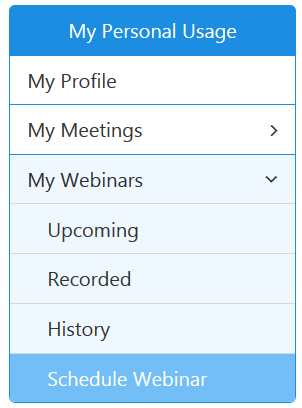
To schedule a U Webinar, that requires an audience to register in advance, please visit https://u.cyberlink.com/user/profile and then browse to My Webinars on the website to manage your webinars. On the webpage, choose Schedule Webinar to schedule a new webinar.
When schedule a webpage, enable the option "Audience members need to register to watch this webinar." when you schedule the new webinar.
After the option is enabled, 2 sub-options will appear.
- All registrants can watch this webinar without getting approval
Choose this option to let the registered users watch your webinar without your approval. A viewer can register for your webinar before the webinar is started or during the webinar broadcast.
You can enable the option "Send an e-mail to me when someone registers" to know who has just registered for the webinar via e-mail.
- A registrant needs to get approval to watch this webinar
Choose this option if you want to approve which registered users can watch your webinar. You can only approve a registrant's request before the webinar starts broadcasting.
Enabling the option "Send an e-mail to me when someone registers" to let you know who has just registered for the webinar via e-mail.
You can automatically approve a registrant who belongs to a specific domain by providing the e-mail domain address in the "Domain" box. For example, cyberlink.com.
You can also import pre-approved audience members by clicking the button "Import pre-approved list". A dialog window "Import/Edit pre-approved list" will pop up and then you can enter multiple e-mail addresses separated by a semicolon, comma, or line break in the E-mail address field in the dialog window. The audience members will receive an invitation e-mail for watching the webinar without further approval.


