





Do I need a product key to activate my product?
It depends on the type of product and where you purchased it.
[Subscription Products Purchased from CyberLink website]
No product key required.
Your subscription is linked to the member account you used in the purchase. You can log in to your member account via the CyberLink Application Manager at any time to access the subscription product.
Click here for more details.
[Subscription Products purchased from other websites/stores]
A product key is required to redeem and download the subscription product via the CyberLink Application Manager. The product key is provided either in the order confirmation email or on a CD cover if you purchased a box version.
Click here for more details.
[Perpetual Products]
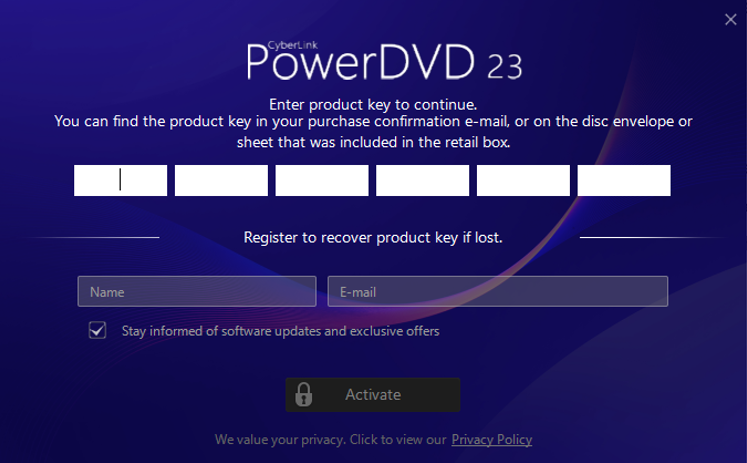
All perpetual products require a product key for installation and activation, no matter where you bought them. This applies to both online and retail purchases.
After the installation process is complete, please follow the on-screen instructions to enter your product key to activate your product.
[Bundled version]
Bundled software is provided for free with the purchase of certain hardware, such as a computer or device. Unlike our standard subscription or perpetual products, this bundled software usually comes with customized specifications and limited features.
Please follow the installation/activation instructions provided with the hardware product you purchased.


