





I receive errors during Blu-ray/DVD disc playback with COMODO Internet Security installed. What can I do?
Symptom
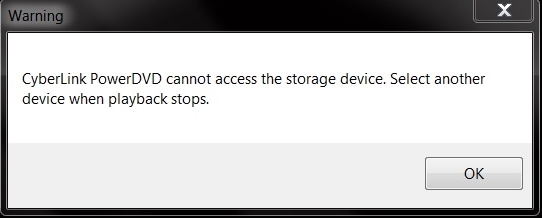
If you installed COMODO Internet Security and try to play back a Blu-ray or DVD disc with CyberLink PowerDVD, you may get the following error messages:
- On Blu-ray Disc playback:
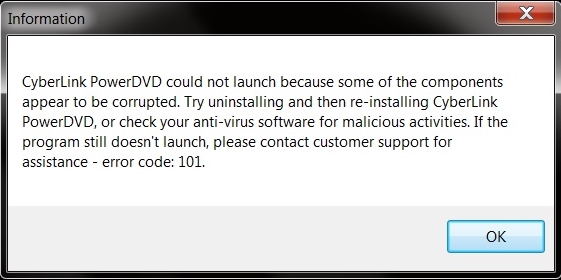
- On DVD disc playback:

Answer
The playback components in CyberLink PowerDVD are blocked by the HIPS proactive protection feature provided by COMODO antivirus/firewall software.
To avoid receiving the error, do this:
- Launch COMODO Internet Security.
- Click Blocked Intrusions brick.
- Select HIPS on the control panel to enter settings.
- Select HIPS Settings.
- Select Exclusion option to manage exclusion list.
- Add CyberLink PowerDVD installation path* to the shellcode injections exclusion list.
Default installation path:
32bit OS - C:\Program Files\CyberLink
64bit OS - C:\Program Files (x86)\CyberLink - Press OK to save the list and settings.
- Reboot Windows and then try playing the disc again.
Note:
* The installation path may differ for users who installed PowerDVD in a custom folder.


