How do I call up the playback control bar during video playback in CyberLink Power Media Player MR in the Windows Mixed Reality space?
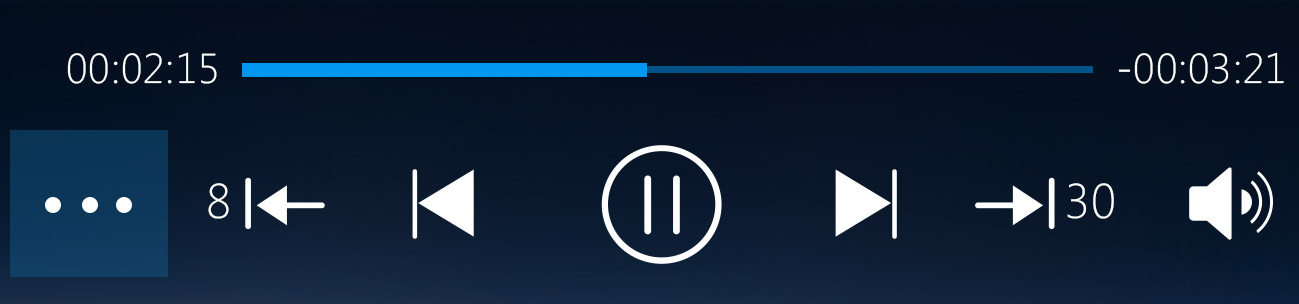
The playback control bar contains the controls (e.g. playback timeline, play, stop, fast forward, rewind, set 360° video format, etc.) for controlling the playback.
To call up the playback control bar during playback in CyberLink Power Media Player MR in the Windows Mixed Reality space, do this:
- Start a video/photo file playback.
- Left click on mouse or click the select button on your Mixed Reality controller.
- The playback control bar will display in the Windows Mixed Reality space.