





How do I play Blu-ray/DVD ISOs in CyberLink PowerDVD 15 or later versions?
To playback ISO files, please follow the steps.
- Browse and find the ISO file in CyberLink PowerDVD, either in the Movie Library or via the My Computer tab.
- Select the ISO you want to play and then click on the play button.
- CyberLink PowerDVD displays a message asking you to install the required driver.
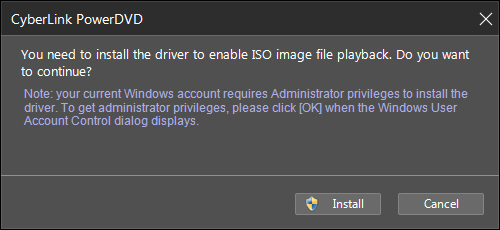
- Click on Install button and then Yes when prompted in the User Access Control dialog.
- CyberLink PowerDVD will start playing the ISO file once the driver is installed.
Note: once the driver is installed, you won't be asked again to install it. CyberLink PowerDVD will automatically start playing an ISO file the next time you want to play one.


