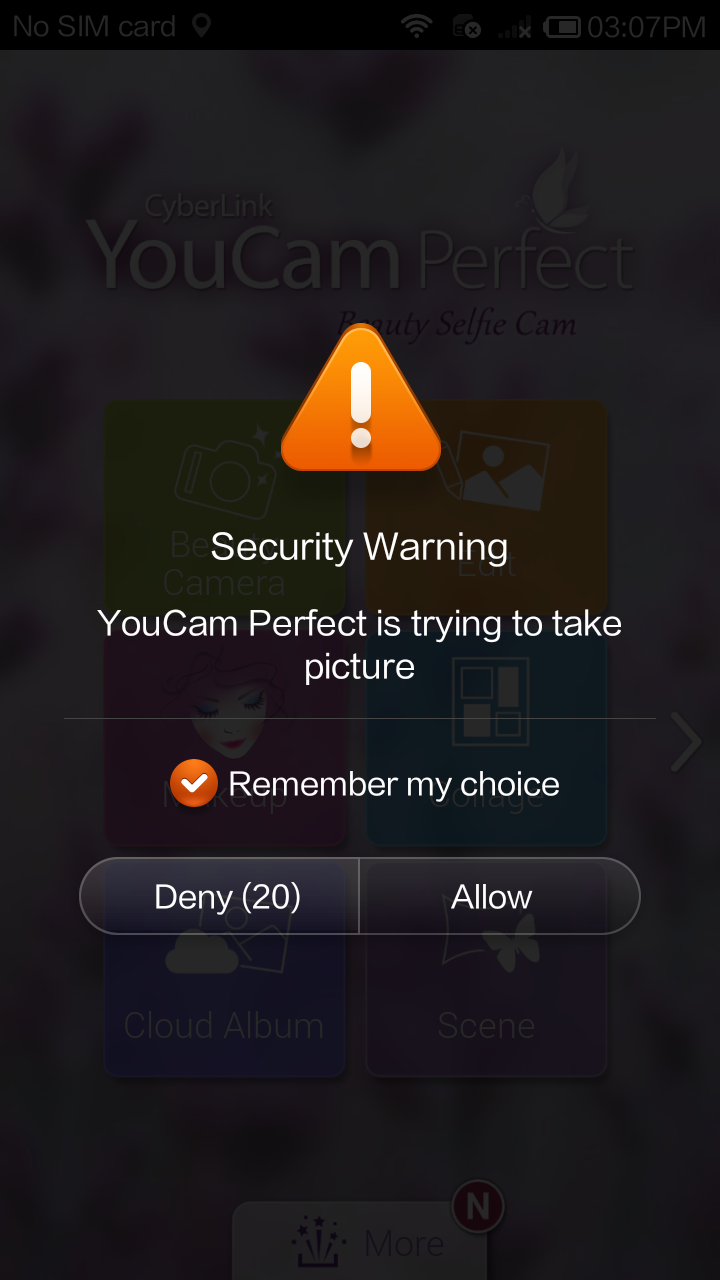
Error: No camera available. What do I do if I encounter this message?
If you are a Xiaomi and Redmi user, you may encounter this error message when using CyberLink YouCam Perfect.* Follow the steps below to resolve the issue:

1. Launch Security.
2. Tap Permisson.
3. Tap Manage App Permissions.
4. Tap Use camera.
5. Tap YouCam Perfect.
6. Tap Allow.
Note:
* This issue will happen when you first access the Camera feature in CyberLink YouCam Perfect, if you selected Deny when prompted with a "Security Warning" during installation.