





How do I modify the track information (title/artist/album name) when converting Audio CD to mobile device?
To modify the track information, please do this:
- Launch CyberLink Power2Go on your computer.

- Select Audio CD to Mobile Device in the Media Converter option. Insert your disc and select your drive from the Select source to choose the audio tracks you want to convert.
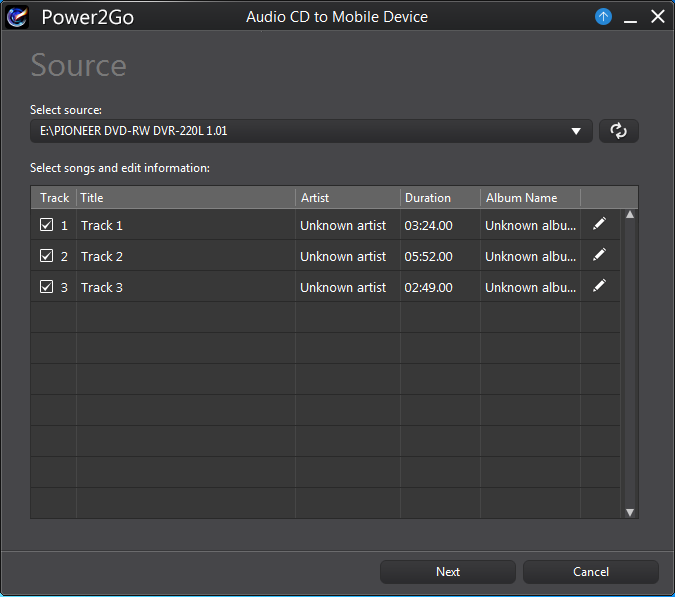
- Click
 to modify the information.
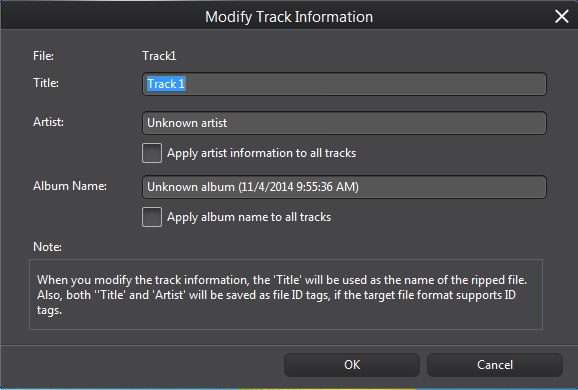
- Click OK.


