





How do I manage the members of my U organization account?
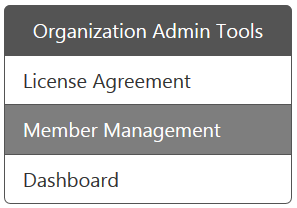
To manage the members of your U organization account, please visit https://u.cyberlink.com/user/profile and then browse to Organization Admin Tools > Member Management webpage.
If you are adding a new member to your U organization account, please click the Add Members button to open the Add Members webpage. On the Add Members webpage, fill in the member's e-mail address and display name. Select the contract ID and define the member's account type. Then click the Finish button to add the member into your U organization account. The member will receive a verification e-mail to join your U organization account. He/She can just follow the instructions in the e-mail to access the U organization account.
To manage the current members of your U organization account, please click the Edit button to edit it on the same webpage to edit the member's role, contract ID, or account type.
There are two types of member accounts.
- Administration: can view Organization Admin Tools in the account information webpage and use all functions of the Admin Tools.
- Member: can't view Organization Admin Tools in the account information webpage and can only host a U Meeting or U Webinar by the defined account types.
The Status indicates a specific account's status, as outlined below:.
- Confirmed: This member has joined your U organization account.
- Pending: This member has not verified the account via the U organization invitation e-mail. You may suggest that the user finds the e-mail and verify the account.


