





What are the main features of CyberLink PresenterLink+?
CyberLink PresenterLink+ provides the following main features to help you deliver professional presentations to a local audience or broadcast the presentation via video call programs, such as Skype, Skype for Business, Google Hangouts, LINE, WebEx, and more on the Internet:
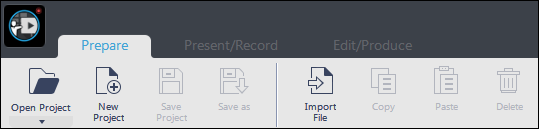
- Preparing Presentation:
Go to the Prepare tab to start preparing your presentation. Here you can import PowerPoint slides or images, and then manage the slides as necessary to prepare your presentation.
- Presenting and Recording Presentations:
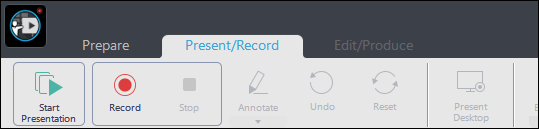
Click on the Present/Record tab to show your presentation, or record a presentation that can be outputted as video file. In the Present/Record window you can do the following three main tasks:
- Show a presentation to a local audience (in a meeting/conference room) on an extended monitor or projector.
- Broadcast a presentation to a global audience via a Skype video call, Google Hangouts, and more.
- Record a presentation that can be outputted as a video file
- Editing and Producing Presentations:
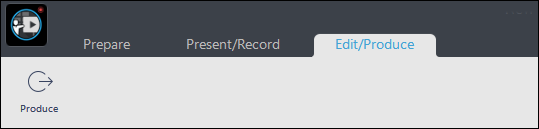
When a presentation is recorded, each time you selected or went to a different slide, CyberLink PresenterLink+ recorded a new video clip. Each of these video clips is available in the storyboard in the Edit/Produce window.
In the Edit/Produce window, you can preview, rearrange, rerecord, or delete any of these clips before producing.
Note:
To learn more about CyberLink PresenterLink+ features and usage, you may refer to our video tutorials and product help file.


