





What can I do with the Layers tool in CyberLink PhotoDirector 7?
With Layers you can easily create photo composites by adding any graphics, text, shapes, or other photos layers on top of the background.
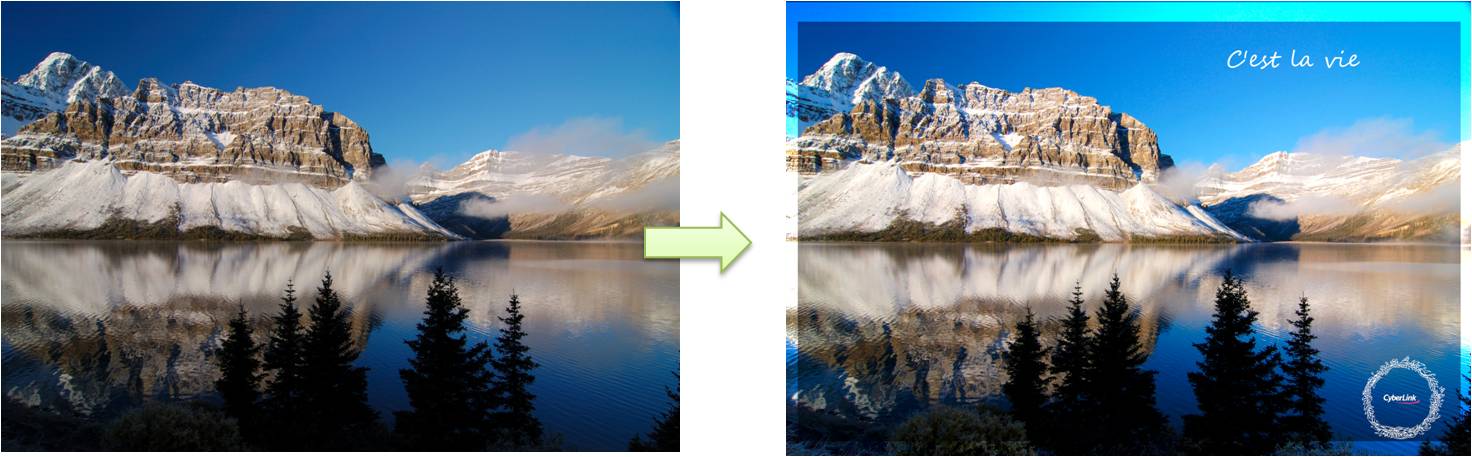
Example 1: You can create a frame, and then add text or stamp on the background photo by using the Layers tools to create your own postcard.
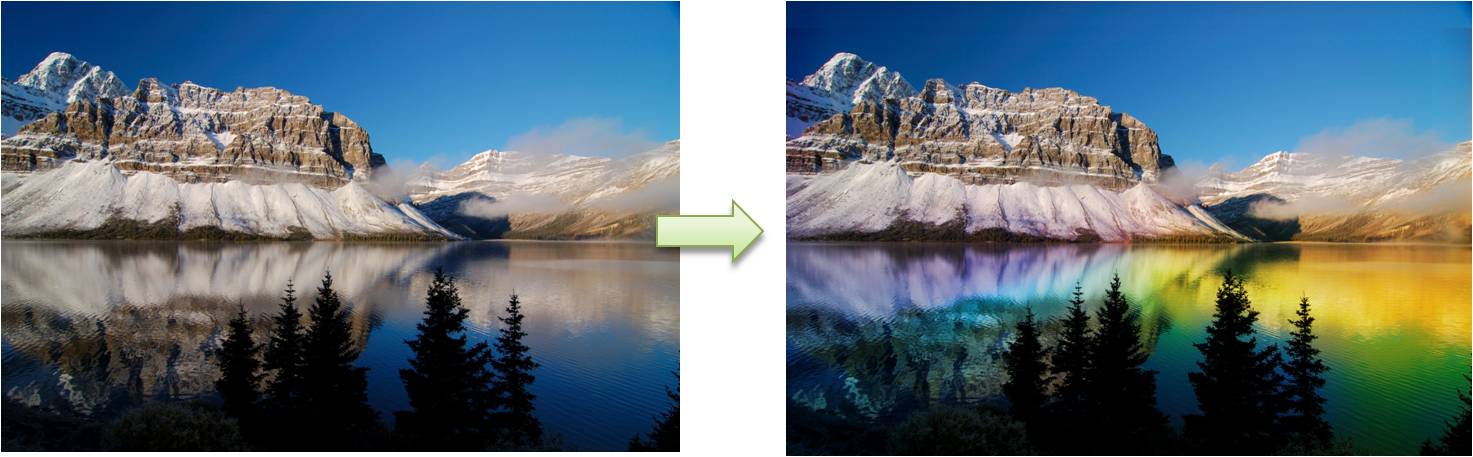
Example 2: With the Blending mode, you can adjust the transparency of different layers to create a different photo effect.
For more Layers related information, please visit the video tutorials page on DirectorZone.


