





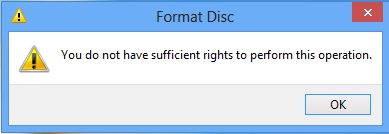
I got an error message saying “You do not have sufficient rights to perform this operation” when copying a disc in Power2Go. Why?
Possible reason:
- After reading the source disc, Power2Go will ask you to insert a blank disc to continue the burning process.
- After inserting a blank disc into the burning drive, the AutoPlay window displays and asks you what you wish to do with the blank disc.
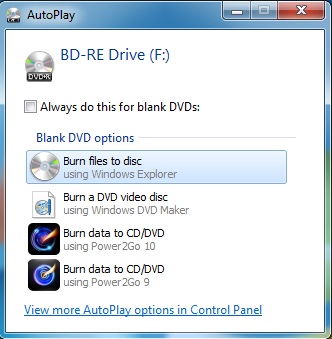
- If customers chose an option other than Power2Go, the error message will display.
Solution:
Click on the Windows start button and then open the Control Panel. In the Control Panel, click Hardware and Sound > AutoPlay, and then select Power2Go as the default software for all the blank disc options as displayed below.
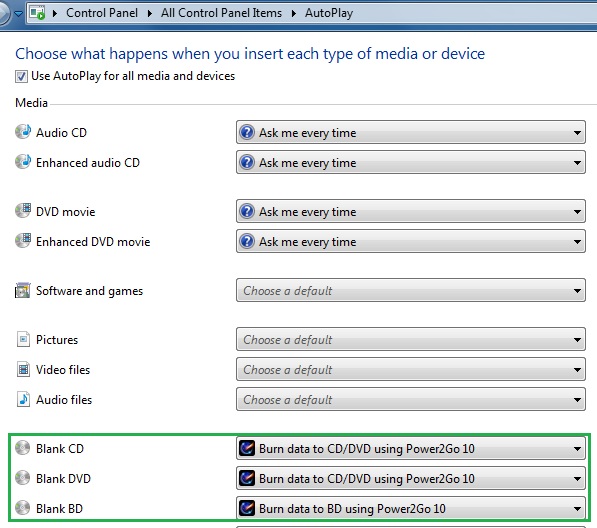
Click the Save button to save the changes.


