





How do I use the Stereo Expander feature in AudioDirector 7?
By using the Stereo Expander feature, you can expand and pan audio for a better spatial sounding effect. To use the Stereo Expander, do this:
- Select the media file in the library that you want to use the stereo expander on.
- Select the portion of audio you want to apply the effect to if required. If you don't select a range, the effect is applied to the entire audio clip.
- Click Stereo Expander under the Apply Effect section.
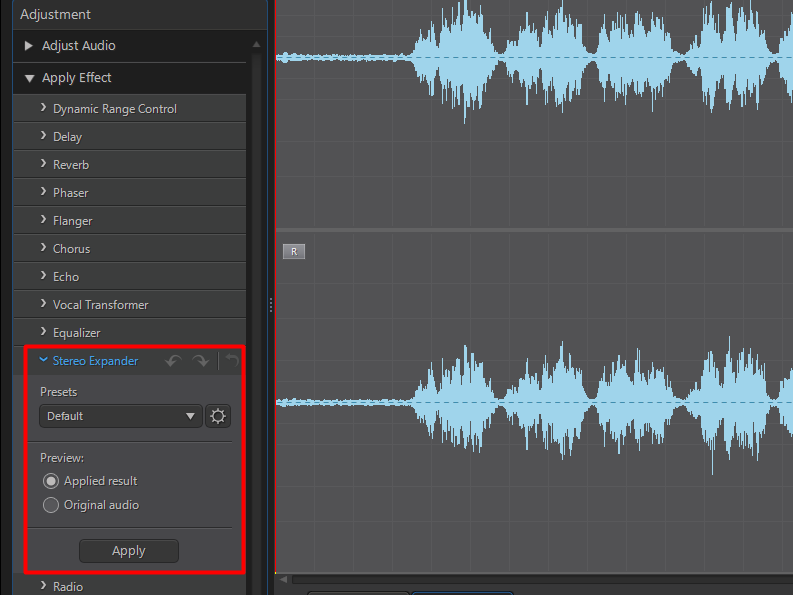
- Click Apply to add the Stereo Expander effect to the audio.
Note:
- Mono audio will be converted to stereo when applying the Stereo Expander effect.
- For mutli-channel audio, only the center, left, and right channels are affected.
- Except for mono audio, the Stereo Expander effect will not physically alter the number of channels for the source audio, instead adding the effect onto the existing channels.
- For more program usability and feature related information, please visit the video tutorials page on DirectorZone.


