





How do I review my memos?
When you enter CyberLink YouMemo 2, all your previously created memos are displayed on the cork board in ScatterView. ScatterView is optimized for touch screens and lets you browse through, resize, move, or rotate all of your memos.
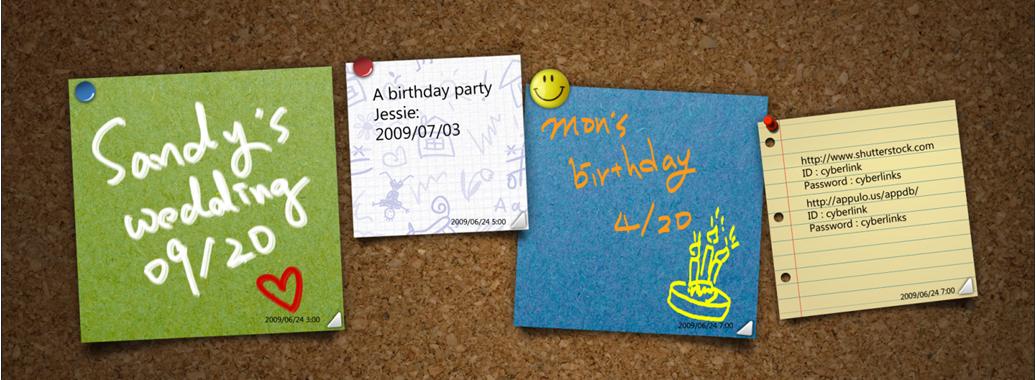
Select the Sort By button to organize the memos by the time modified, created, or when the next alarm reminder expires.
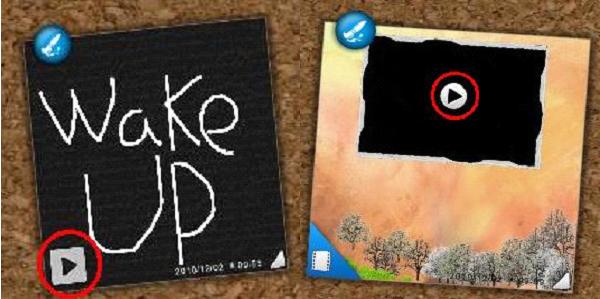
To review voice/video memo, select a voice/video memo on the CyberLink YouMemo corkboard and then press the play button on the memo to review its message. Voice memos are indicated by the microphone icon in the bottom left corner, while videos memos have a video icon. Use the playback controls on the memo to pause playback, or replay the video/voice memo if required.


