





How do I create a video memo?
Select the Video Memo button to create a memo that includes a recorded video message.
Note: An installed webcam is required to create video memos.
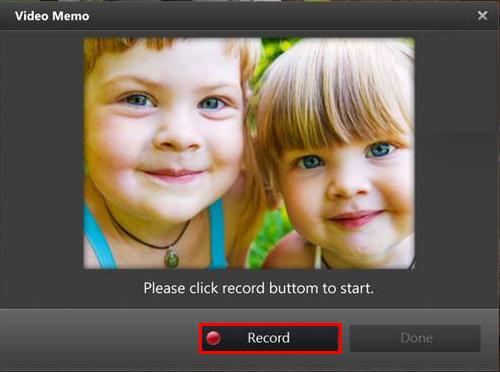
In the Video Memo window, select the Record button to begin recording. When you are finished the video message recording, select Stop. You can then use the Play button to watch your recorded message.
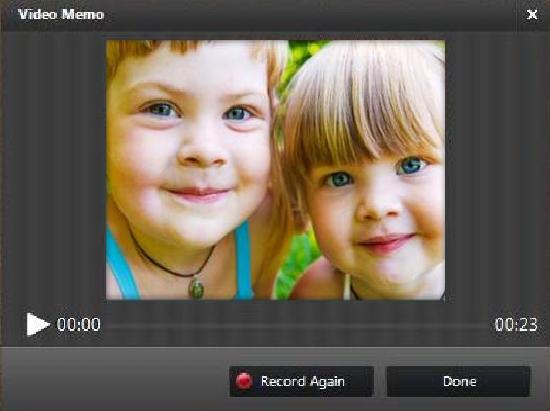
If you would like to re-record it, select Record Again. If you are satisfied with your message select Done to proceed to the memo pad window, where you can select your memo pad, add text, draw on the memo, and more.


