





How do I create a text memo?
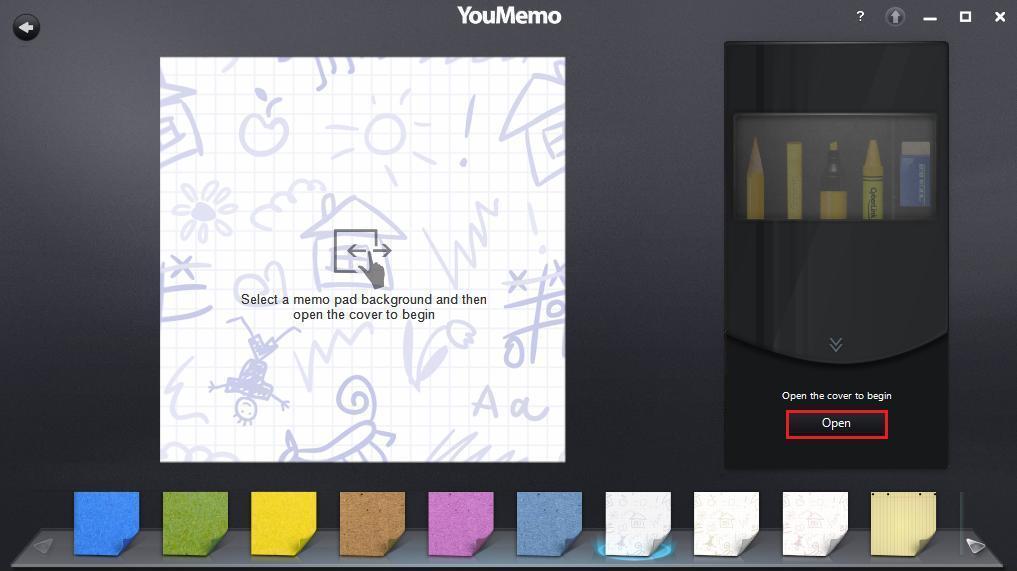
Select the Text Memo button to create a memo that includes text, drawings, stamps, image blooms, and more. Use your mouse’s scroll wheel, the arrow keys on your keyboard, or select the arrows to browse through all the available memo pad backgrounds. Select the Open button to open the cover of the drawing tools. You can use drawing tools to write your memos.
Note:
- If you are using a touch-enable device, you can easily scroll through the backgrounds using your finger.
- You can also add text, drawings, etc. to your voice and video memos via this window, which opens once you done recording.


