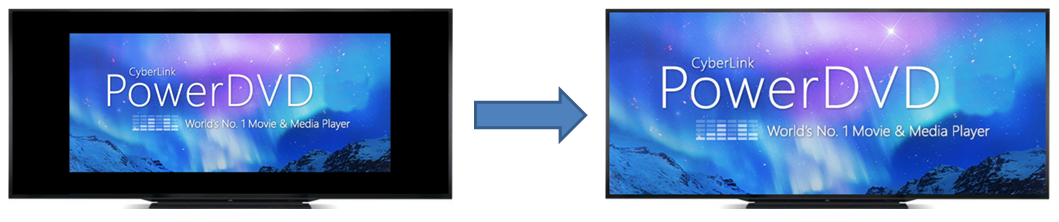
How do I watch movies (e.g. Ultra HD Blu-ray, Blu-ray movies) in full screen mode seamlessly on an ultra-wide 21:9 monitor in CyberLink PowerDVD 18 or later versions?
To watch movies (certain Ultra HD Blu-ray/Blu-ray/DVD movies apply this aspect ratio) on an ultra-wide 21:9 monitor, use the Crop-to-fill feature to crop out the black areas on all four sides of the video for a better fit with the following steps:
- Start video playback in PowerDVD.
- Click the
 button on playback control bar to zoom in on the video and crop the excessive parts.
 - Click the
 button to disable the cropping.
The video will be zoomed to full screen on a 21:9 display device as below: