





How can I find my product key?
You can find your product key in the following ways:
[Download version]
If you purchase the download version, the product key is provided in the order confirmation email.
[Box version]
If you purchased a physical box version, the product key can be found on the product key card included inside the box.
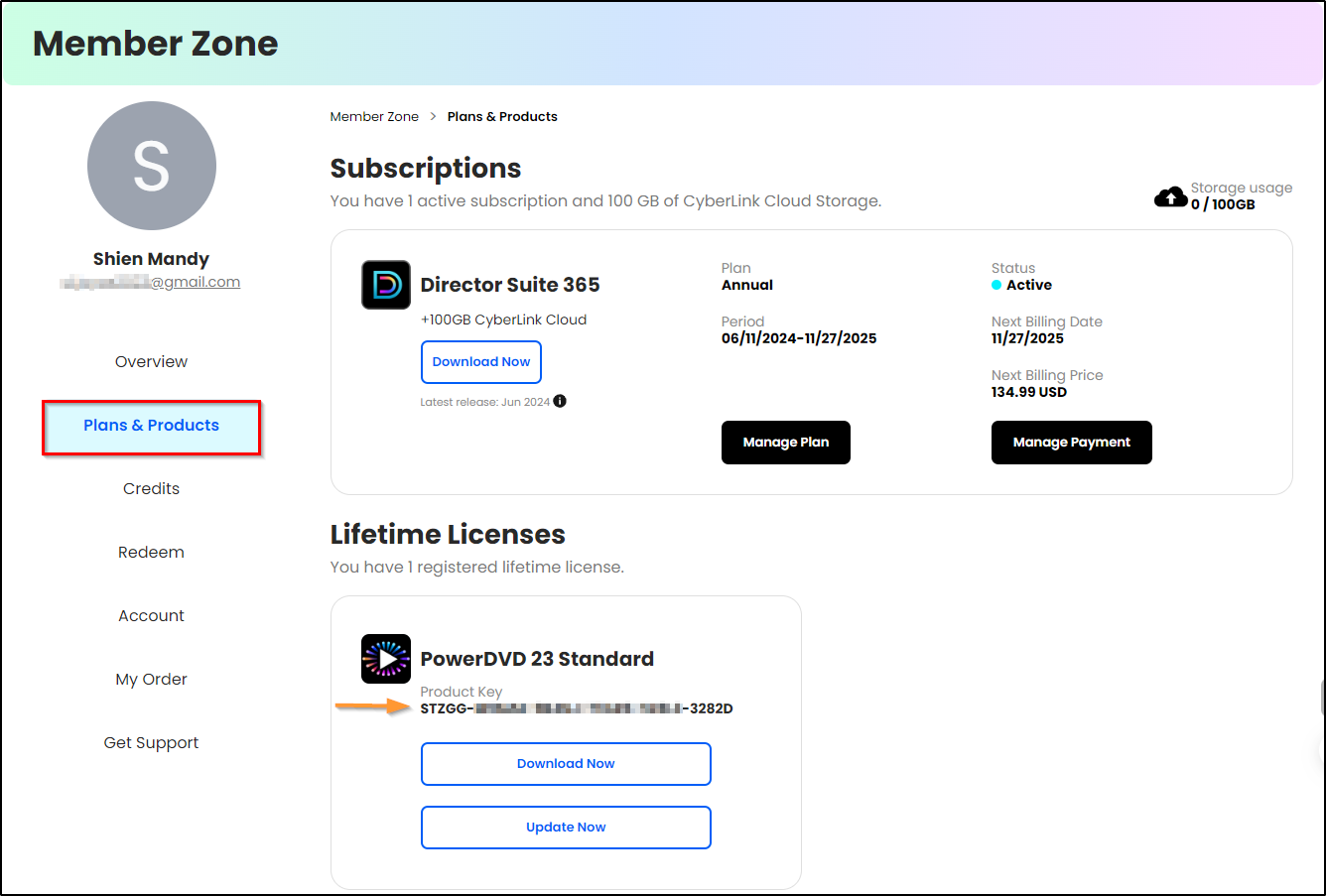
Alternatively, if you have registered your product, you can also find the product key in the CyberLink Member Zone.
Steps:
- Log in to the CyberLink Member Zone.
- Go to Plans & Products to find your product key.
Related FAQ:


