





Is there a way to quickly find photos and videos from an event I was at in CyberLink MediaShow 6?
CyberLink MediaShow Calendar View automatically organizes imported media for you in a calendar by the date it was shot. For example, to find your friend's birthday photos/videos, do this:
- Select the [Calendar] section in the media library side bar.
- Drag the bar to the right to zoom on the calendar that displays the date.

- Double click on the birthday date to view all the photos and videos that were shot on that day.
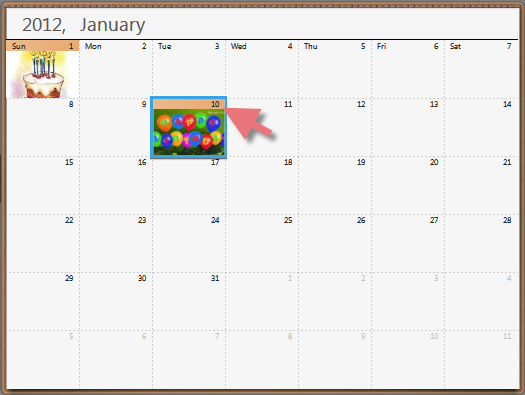
When in the calendar view, you can also click on the year or month to view just the photos and videos that were shot in that time frame in the media window.
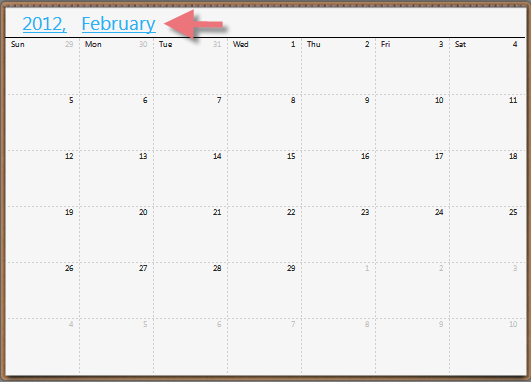
The calendar view sorts photos by the date they were shot and the recorded EXIF information. If you want to modify the date of the photo, you can do it in CyberLink MediaShow like this:
- Right click on the selected media
- Select [View Information] in the right-click menu
- Click on the [Date photo taken] item to change the date
Note: The video date information cannot be modified in CyberLink MediaShow. For further detailed instructions, please refer to CyberLink MediaShow user’s guide and tutorial videos.


