





What is Express mode in CyberLink PhotoDirector 11?
The Express mode of CyberLink PhotoDirector 11 is a lightweight editing mode that lets you edit your photo without advanced photo import and complex adjustments. It contains several features that are frequently used in daily editing such as the Presets, Express Layer Template, and AI Style Transfer features to let you apply photo filters, or creative editing effects on your photos in just a few clicks.
To enter the Express mode, do this:
- Launch PhotoDirector.
- Select Express Mode on the startup dialog.
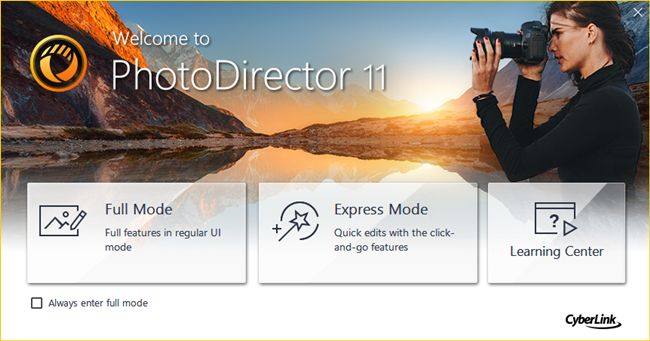
- Select a photo for editing from the file selection window to enter Express Mode.
If you would like to edit photos using all of PhotoDirector's features, or there are certain features you cannot find in Express Mode, you can click the Adjust Manually button in the Presets, or Express Layer Templates module to enter the Full Mode.


