





How do I download a webinar recording after broadcast?
U Webinar allows host to download the broadcast recording that was saved on U Webinar server. This feature is not available for viewers.
To download the recording:
- Sign in to U website https://u.cyberlink.com/profile.
- Browse to "Recorded" under "My Webinars".
- Click the recording you want to download.
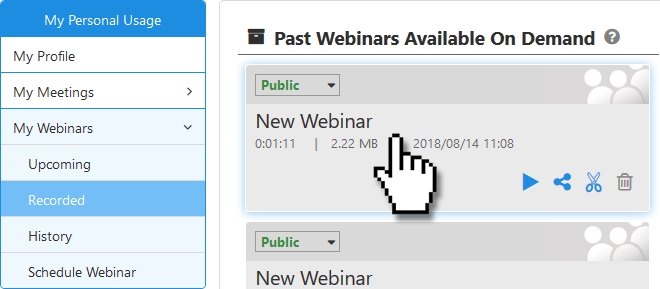
- Click
 to start downloading it.


