





Why does my product still show as Essential after purchase?
[Subscription]
To activate the full version, simply restart your Essential version and ensure you are logged in with the email address you used for the purchase. The Essential version will then automatically upgrade to the subscription product.
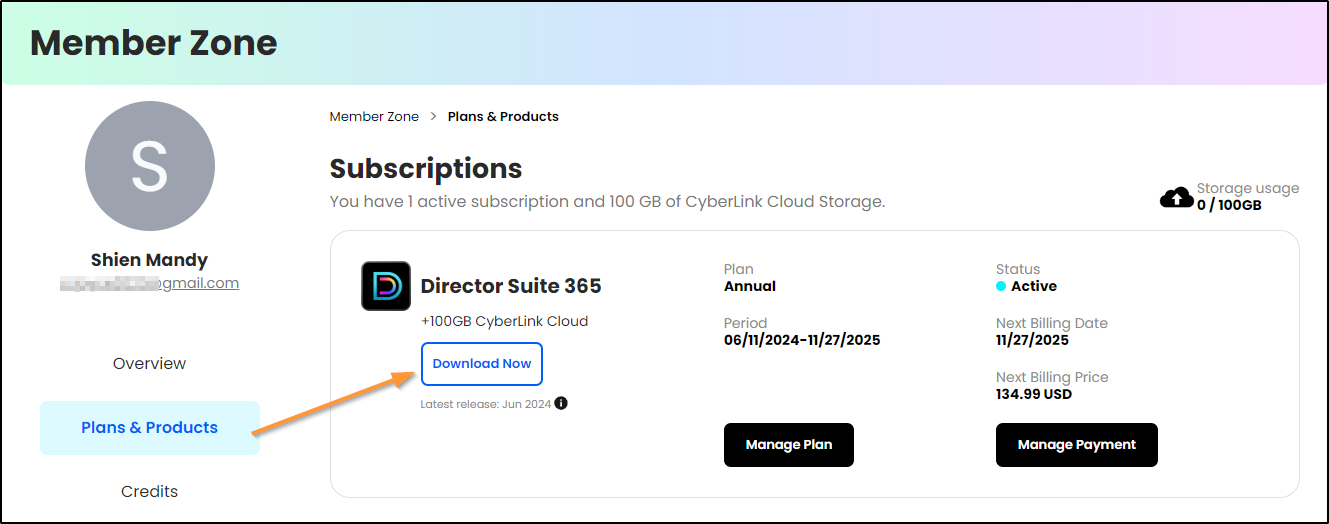
Alternatively, you can download your subscription product in the CyberLink Member Zone. Click here for more details.
[Perpetual Product]
The Essential version cannot be updated to the paid perpetual version. You need to download your perpetual product separately. Follow the instructions provided in your purchase confirmation email to download the product. Click here for more details.
(#watermark)


