





I can’t use my subscription when using PayPal to pay, what can I do?
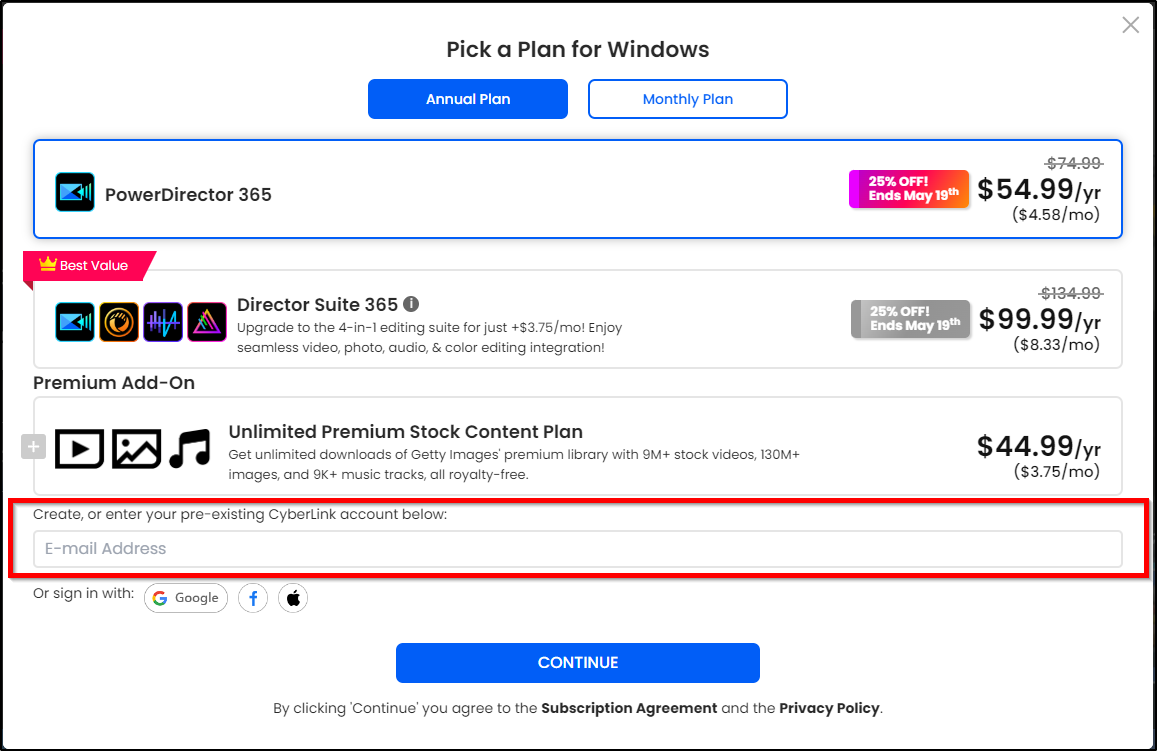
If your account remains logged in without logging out, then you can follow the steps below to view the account:
1. Go to the CyberLink Website.
2. Click on the Account icon in the top right corner of the page.
3. You will see the member account you logged into last time.
4. Click View Account to see your membership information and subscription details.

5. Go to Plans & Products to view and download your subscription product.
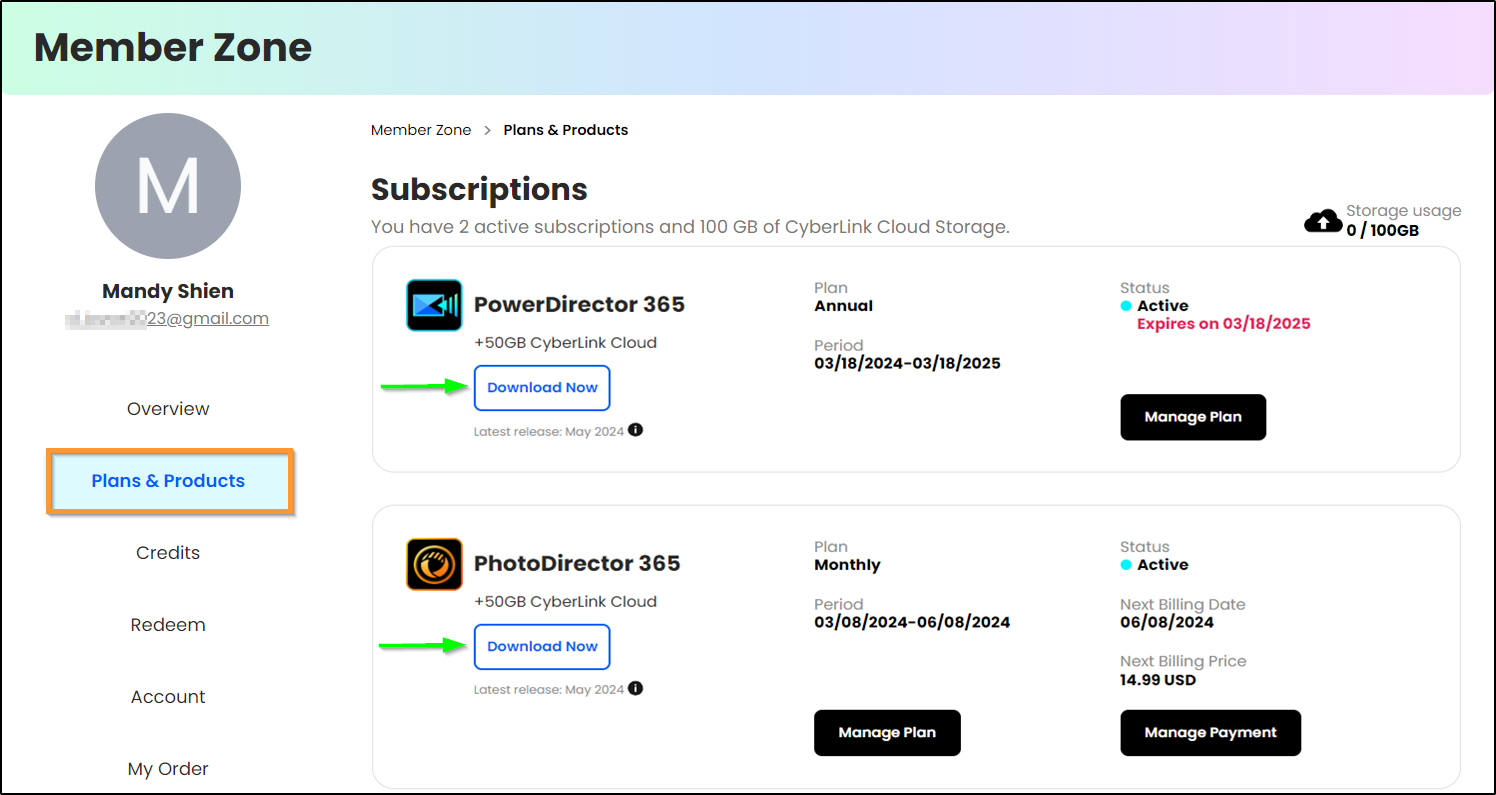
If you are unsure about the member account you logged into at the time of purchase, please contact us and provide your order number or send us a copy of the order confirmation email. This order confirmation email may have been sent to the email address associated with your registered PayPal Express account. We will verify your purchase and member account accordingly and assist you in accessing the subscription product.


