





How do I check my order history and the payment status?
You can check your order history and the payment status by following the steps:
- Log in to CyberLink Member Zone.
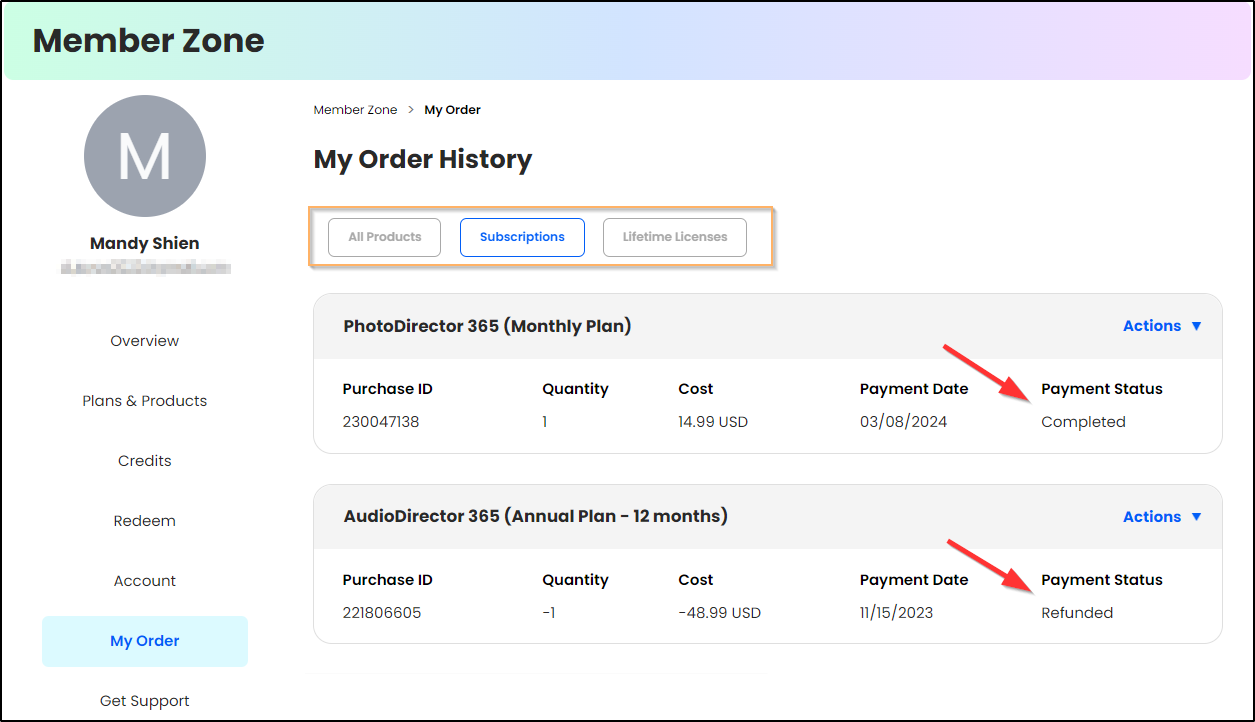
- Go to My Order page.
- Choose the product type (All Products, Subscriptions, Lifetime Licenses), and you will see the purchase records and the payment status corresponding to your selection.
(#order status)


