





How can I manage CyberLink Newsletter?
To subscribe/unsubscribe from CyberLink newsletter, please follow the instructions below:
- Log in to CyberLink Members Zone
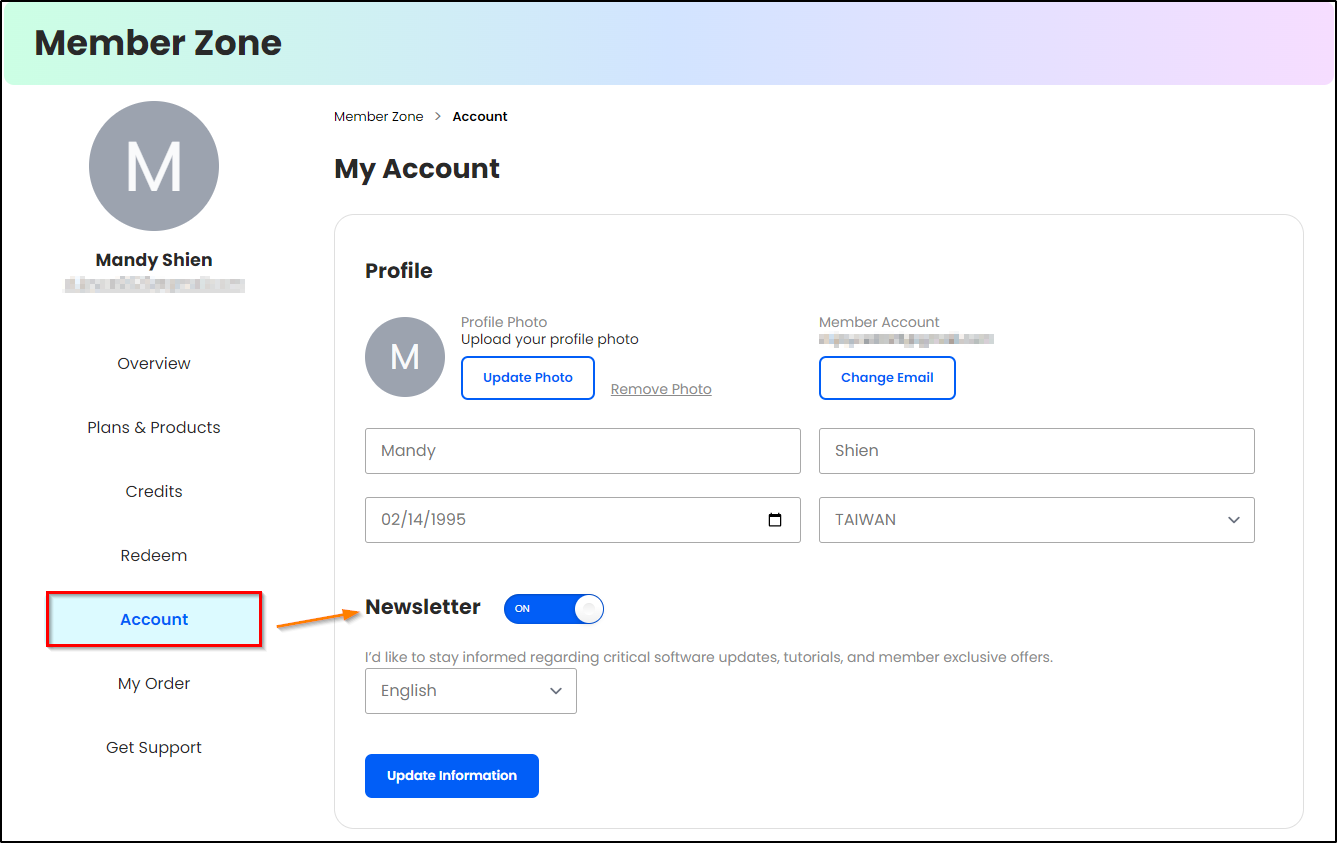
- Click Account.
- Check/uncheck newsletters to update your subscriptions and click Update Information to update your preference.
Note: After unsubscription, it is possible that you will receive one last newsletter. This is because the system is currently sending out newsletters at the same time as you were unsubscribing.


