





Can I change the email address for my account?
Yes. You can update your current email address to a new one by following the steps below.
- Log in to CyberLink Members Zone.
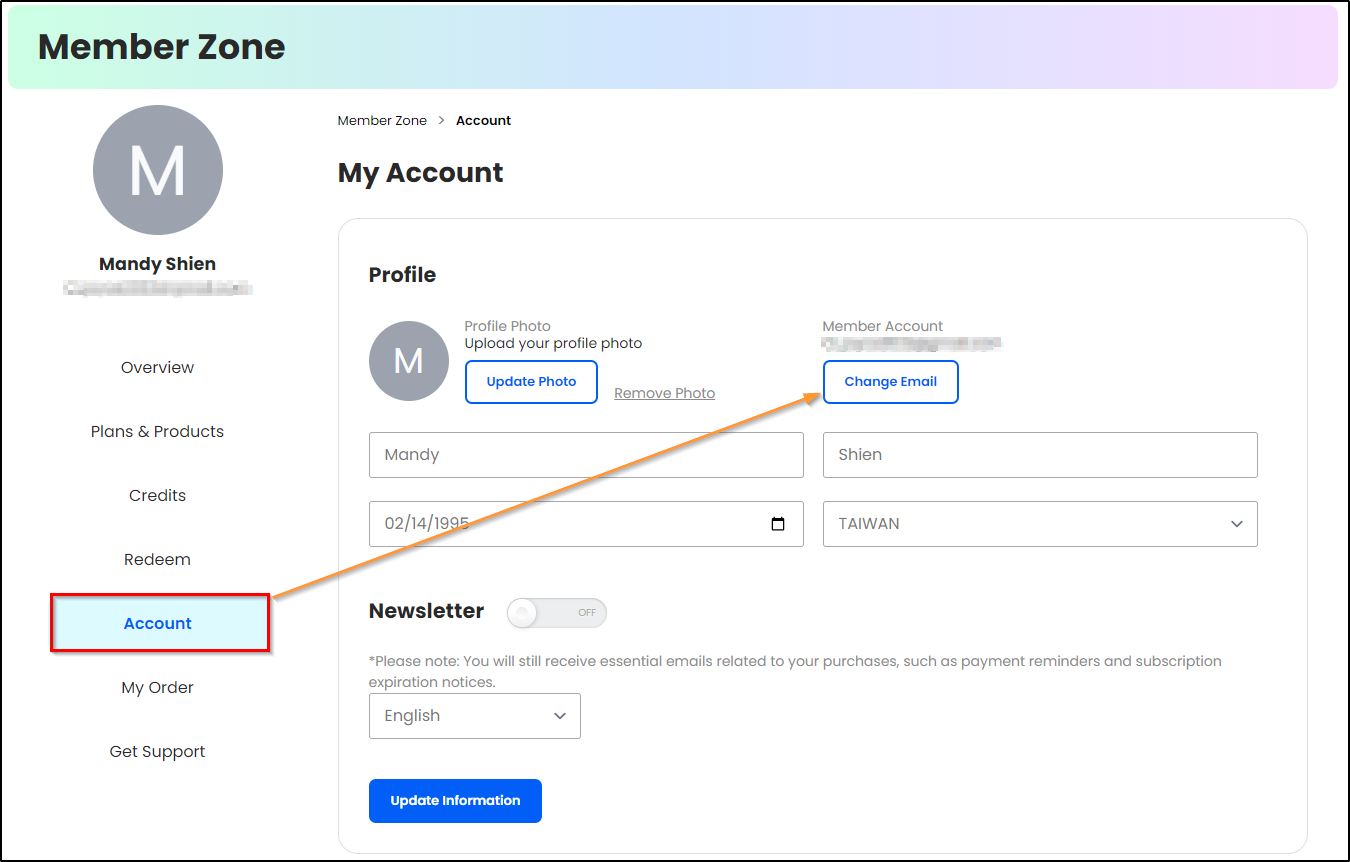
- Click Account > Change Email.
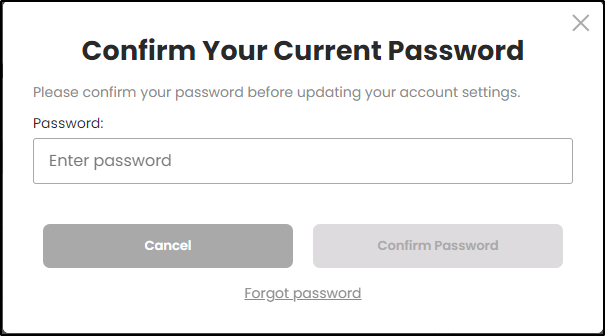
3. Confirm the password for your member account before updating the email address.
4. Enter and confirm your new email address. Then, click Change Email to confirm the change.
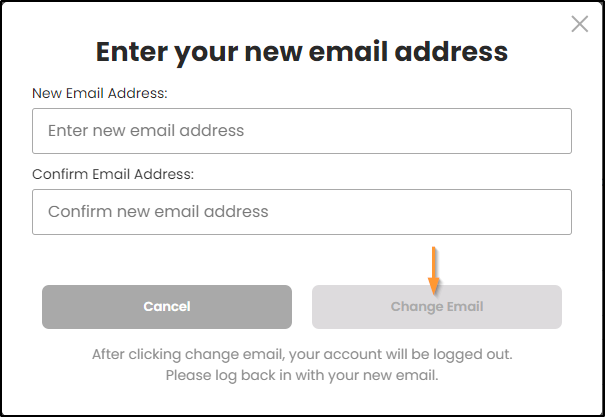
After changing the email address, you will be logged out. Please log back in to your member account using the new email address.


