





What should I do before I start a video meeting?
Before you start a video meeting, please check the following:
1. Download U Meeting & U Messenger application.
a. Please download U Meeting & U Messenger application to your computer or mobile device.
2. Check your network.
a. U Meeting Internet requirements:
- 3 Mbps upload for desktop sharing.
- 3 Mbps download / 1 Mbps upload for video calls.
※ You can access an Internet speed test website to get the information of your Internet speed.
3. Check your webcam, microphone, and speakers.
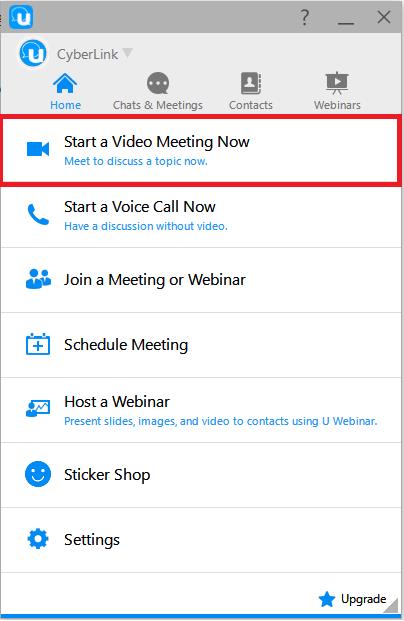
a. Start a video meeting for testing on the U Home page.
b. In the U meeting window, select the settings  button to change the audio and video settings.
- Webcam:Check if video is available.

- Microphone:If your microphone is available you will see a moving blue line at the bottom of the video window when you talk.

- Speakers:make a test call to another person and see if the person can hear you clearly.


