





What is the AI PC mode in CyberLink PhotoDirector 365?
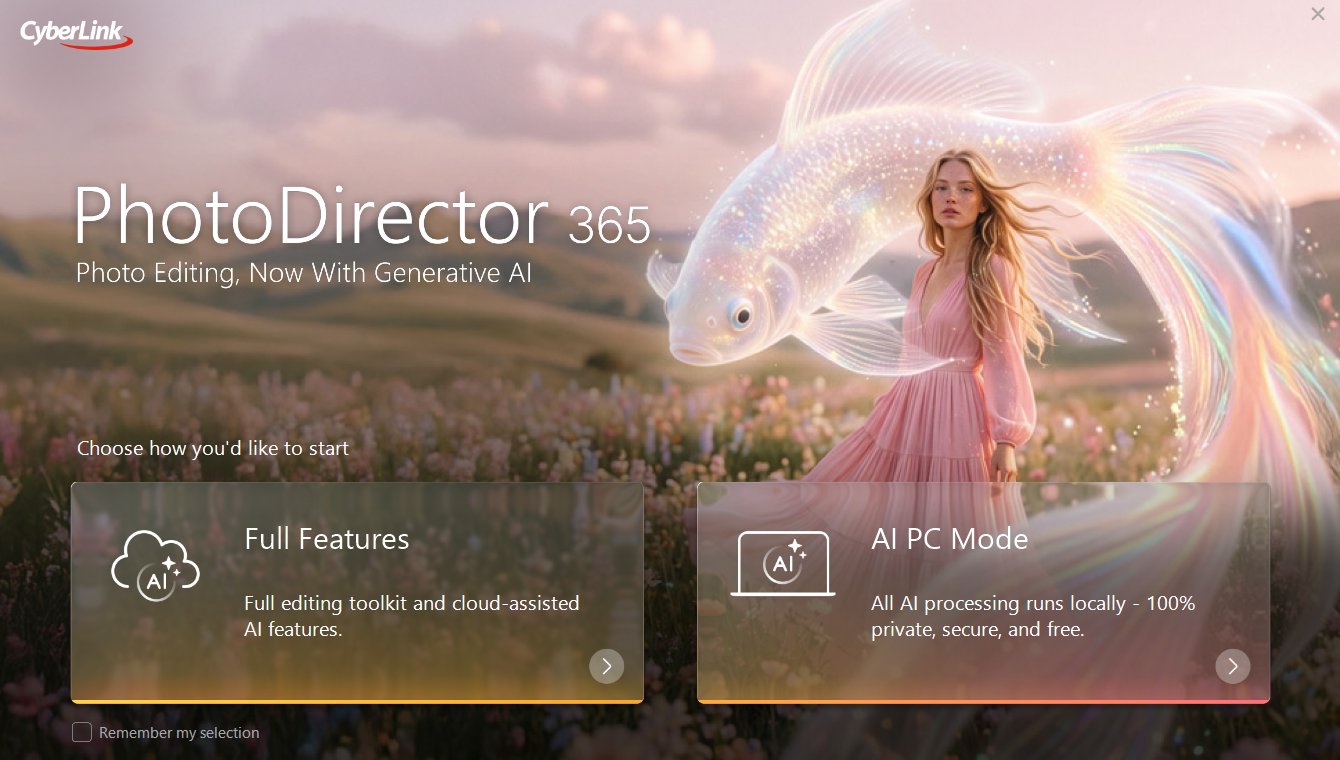
The AI PC mode, supported in the latest Windows version of PhotoDirector 365 (released in September, 2026 or later), allows you to run certain generative AI features using the local CPU and NPU computing power of your PC, without cloud processing or additional credit consumption.
However, AI PC mode requires compatible CPU, NPU, and RAM hardware with sufficient computing capacity to process AI tasks locally. Not all generative AI features currently available in PhotoDirector 365 are supported in AI PC mode. In addition, AI PC mode uses smaller, locally deployed AI models for image editing and generation. As a result, its processing capabilities and generation quality may differ from those of the credit-based, cloud-powered generative AI features, which use the latest online AI models.
To use AI PC mode, your PC must meet the following hardware and OS requirements:
- CPU: Intel Core™ Ultra processor (16th-generation Panther Lake or later) with an NPU.
- RAM: 64 GB or more.
- Storage: 30 GB or more
- OS: Windows 11 or later. Windows 10 is not supported.
If your PC meets the requirements for AI PC mode, the AI PC mode option will be available on the PhotoDirector 365 launcher. Otherwise, the option will not be displayed or available.
Notes:
- AMD CPUs are not supported.
- Processing times for AI features in AI PC mode depend on your PC's computing power and available RAM. Complex generation requests may take up to several minutes to complete.
- If certain generative AI features are unavailable in AI PC mode, or if you are not satisfied with the generation quality of the locally processed AI features, please switch to the full-featured mode (non-AI-PC mode) in PhotoDirector 365. This mode supports the full range of generative AI features through cloud-based AI processing.
Please note that cloud-based generative AI features consume credits for each use. If you run out of credits, you will need to purchase additional credits to continue using these features.


