





How do I add a watermark on a U Webinar?
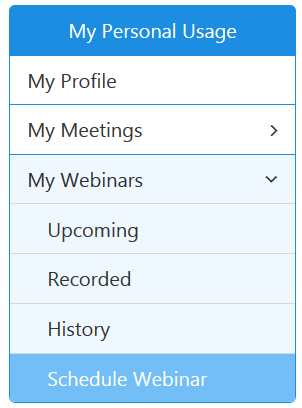
You can add a text watermark on a U Webinar before a webinar gets started. To add a watermark on a U Webinar, please visit https://u.cyberlink.com/user/profile and then browse to My Webinars on the website to manage your webinars. On the webpage, choose Schedule Webinar to schedule a new webinar.
On the webpage, enable the option "Add watermark on the webinar video (help protect your copyright)" and then enter in the watermark text in the Watermark Text box.
You can set the position of the text watermark as Top Left, Top Right, Bottom Left or Bottom Right on your webinar presentation screen. You can click Preview button to preview the text watermark.


