





What are the 360° Photo Editor features in CyberLink PhotoDirector 9?
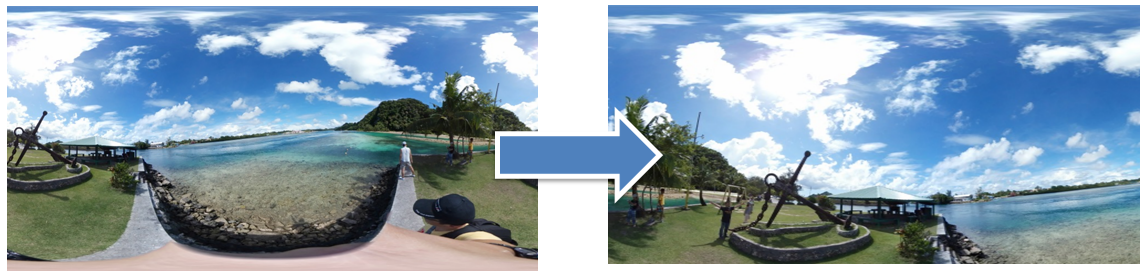
CyberLink PhotoDirector 9 now supports the editing of 360° photos with the 360° Photo Editor feature using the following tools:
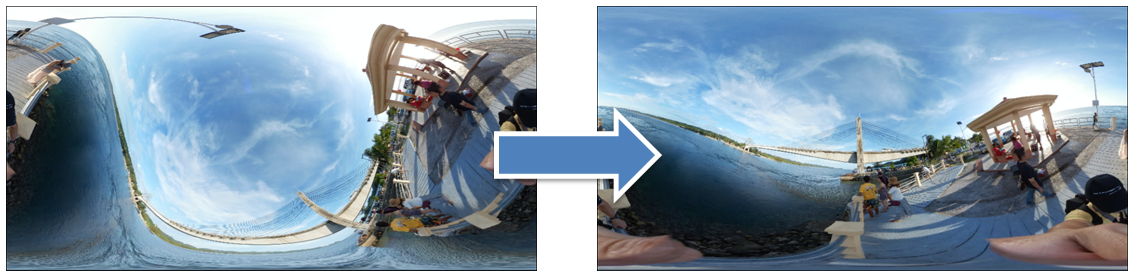
- Straighten 360º photos:
Lets you correct crooked 360 photos, that were captured with an imperfect horizontal alignment.
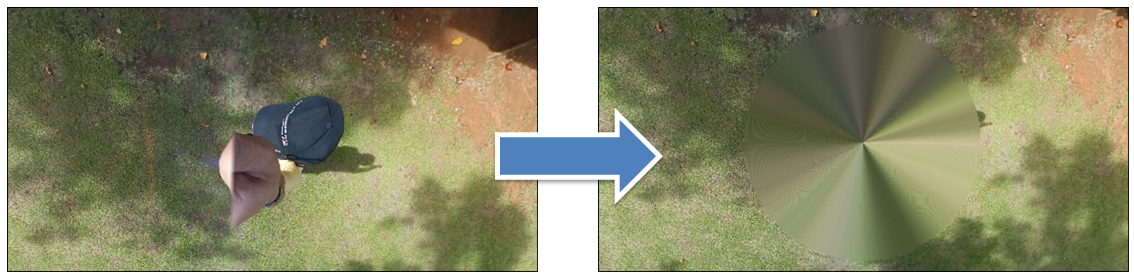
- Remove the tripod from 360º photos:
You can add a simple cover or a reflective bubble on the top or bottom side of your 360º photo to hide the camera's tripod.
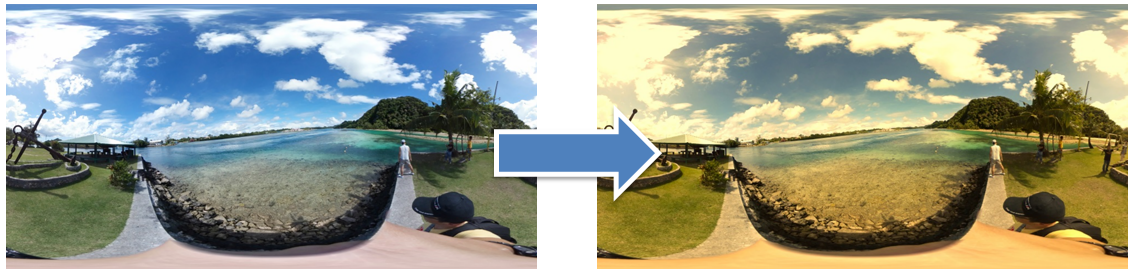
- Apply photo adjustments to 360º photos* :
Lets you adjust the color, exposure, white balance, and more on your 360° photos, just like you can for non 360° photos with PhotoDirector's Adjustment tools.
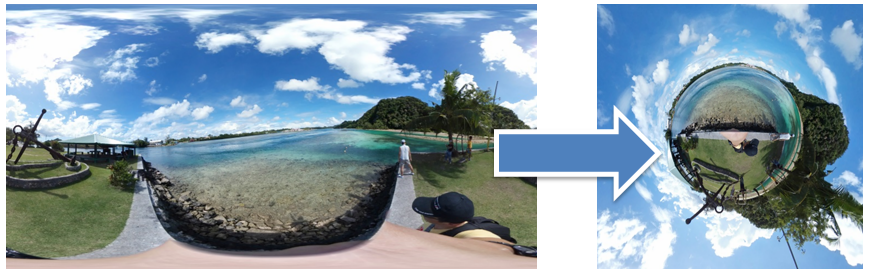
- Create little planet photos:
Lets you convert your 360º photo into creative little planet photos (change the 360º view to a round shape.).
- Convert 360º photos into panoramas :
Lets you create a wide panorama photo with your 360º photos.
To learn more about the 360º Photo Editor feature, please visit the video tutorials page on DirectorZone.
Note:
* The lens correction and regional adjustment features are not supported in 360º photo adjustment.


